You need a resume that actually gets past the ATS filter, and you need it before the application deadline hits. Most people spend hours formatting in Word or wrestling with Canva templates that break the moment you export to PDF. Jobly skips that entire mess.
The AI here doesn't just fill in blanks. You paste a job description, and it rewrites your bullet points to match the keywords recruiters are scanning for. If you worked in "customer support," it might suggest "resolved 50+ client inquiries daily" or "managed escalation workflows" depending on the role. It's not magic—it's pattern matching against what hiring managers actually read.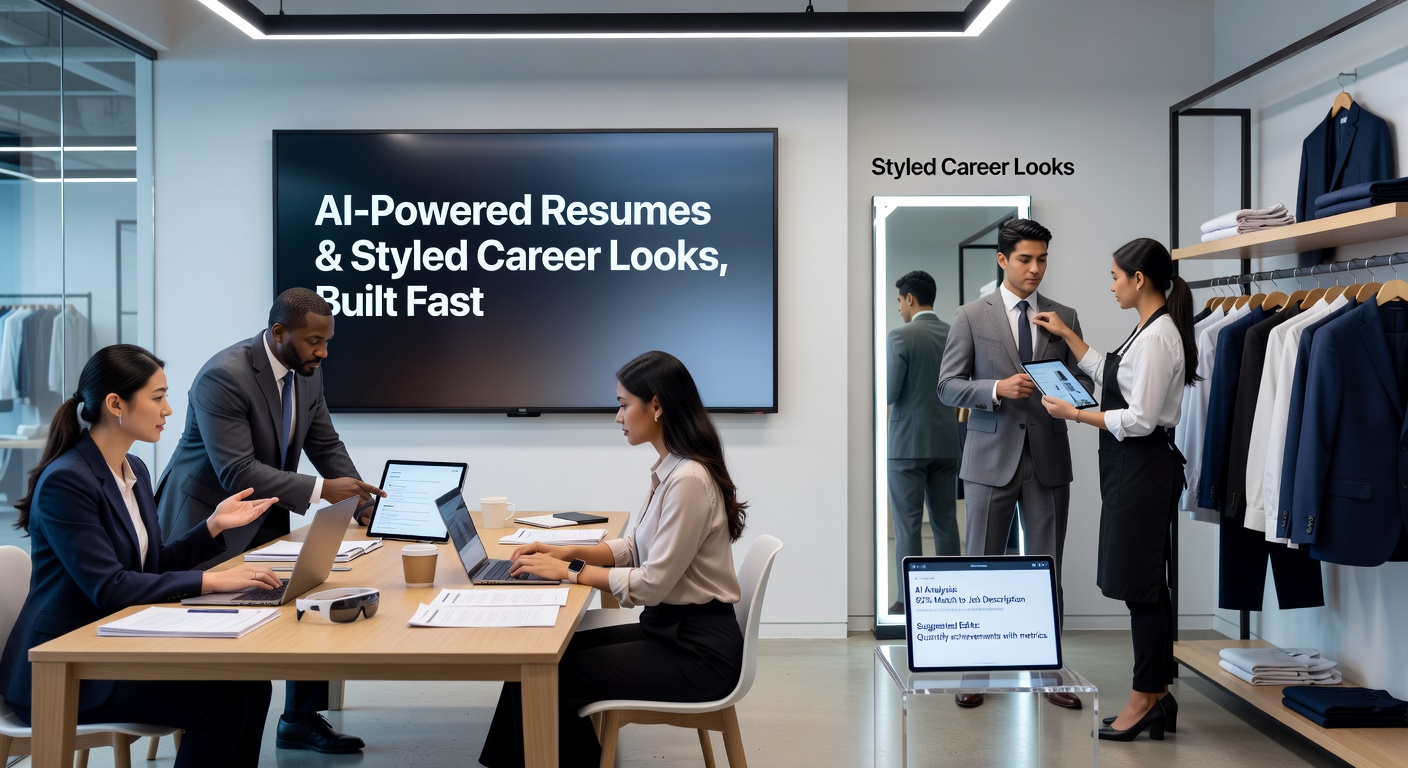
Speed vs. Control
Jobly generates a full draft in under two minutes. That's useful if you're applying to multiple roles and need variations fast. But the tradeoff is obvious: the output feels generic until you edit it. The AI pulls from your input, so if you only give it vague job titles and dates, you'll get vague results.
The "styled career looks" feature lets you switch between templates without reformatting. One click moves your content from a minimal single-column layout to a two-column design with accent colors. It works, but the style options are limited compared to Kickresume's 50+ templates. If you need something highly visual or creative, you'll hit the ceiling quickly.
Where It Actually Helps
The mock interview tool is more useful than expected. It generates role-specific questions based on your resume and records your answers. You can review the transcript and see where you rambled or missed the point. It's not a replacement for practicing with a real person, but it's better than rehearsing in your head.
Job matching pulls listings that align with your resume keywords. It's basically a filtered search—nothing groundbreaking, but it saves you from manually scanning LinkedIn or Indeed for roles that fit.
What It Doesn't Do
Jobly won't fix a resume with no substance. If your work history is thin or your accomplishments are vague, the AI can't invent impact. It also doesn't handle complex formatting well—if you need a portfolio-style resume with project showcases or a research CV with publications, you're better off using LaTeX or a specialized academic template.
The free version limits you to three resume exports per month. That's fine if you're targeting a few specific roles, but if you're in full job-search mode and applying to 20+ positions, you'll need the paid plan or a workaround.
Who Should Use This
Jobly works best for mid-level professionals who need ATS-friendly resumes fast and don't want to overthink design. If you're a recent grad with limited experience, the AI might struggle to make your internships sound substantial. If you're a senior hire with 15 years of nuanced achievements, you'll spend more time editing than the tool saves you.
It's faster than Teal for generating multiple versions, but Teal's job tracker and application organizer are more robust if you're managing a long search. Kickresume has better templates, but Jobly's AI rewriting is more aggressive about keyword optimization.
If you need a clean, scannable resume in under an hour and you're willing to edit the AI output, Jobly does the job. If you need deep customization or you're applying to roles where design matters, look elsewhere.
Comments
Leave a Comment