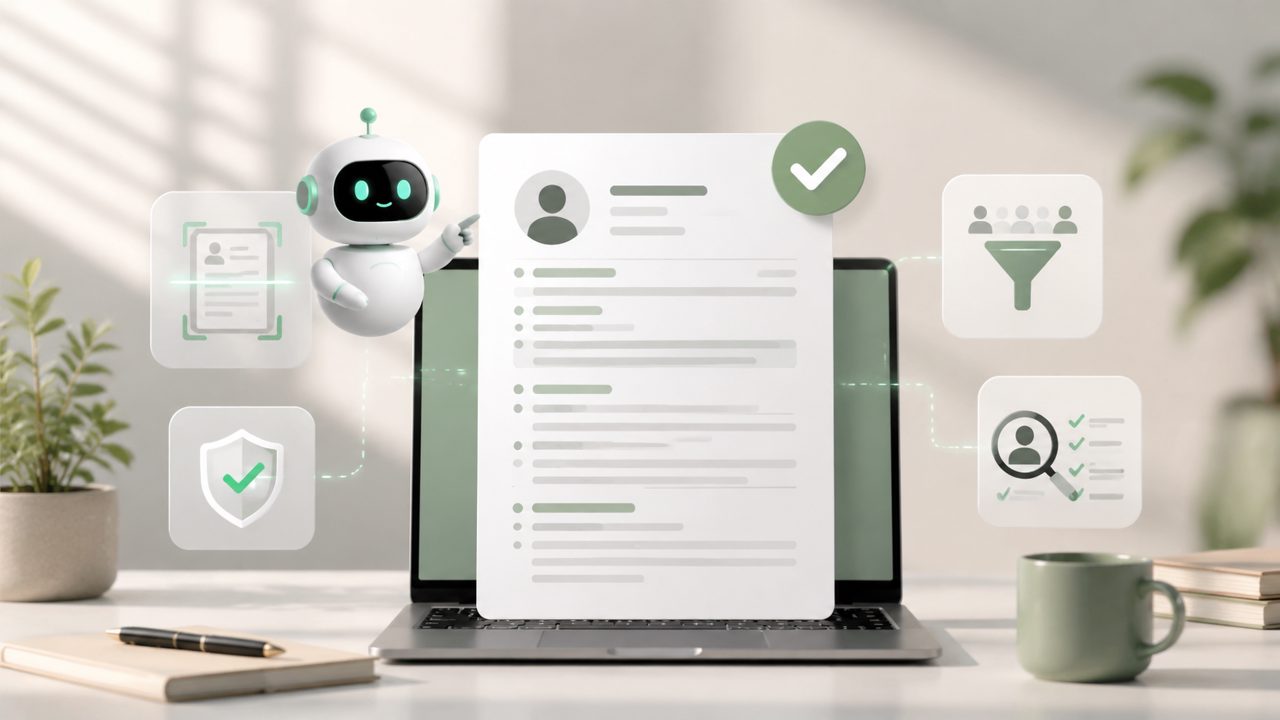
Is any free AI resume builder actually ATS-friendly?
The short answer is: it depends on how the tool handles formatting, keywords, and file types. A lot of free resume builders pump out PDFs that look clean to the human eye but get mangled by applicant tracking systems. I tested this with jobly specifically – exported a resume, ran it through a free ATS simulator, and the parsing was surprisingly accurate. It pulled job titles, dates, and skills without mixing things up. That’s not something I’ve seen from many free tools. But I’d still recommend you test your own resume with a scanner before submitting it widely.
Will an AI resume builder really help me land more interviews?
It can – but only if you feed it the right input. I built a resume for a mid-level marketing role using jobly’s free AI resume builder. I typed in my last three jobs and a few bullet points, and it reworded them to be more results-oriented. The language was tighter, and it automatically checked for common ATS keywords based on the job title I entered. That part felt genuinely helpful. However, the free version doesn’t let you dive deep into customizing the suggestions, so you might need to tweak a few lines manually. That’s a realistic tradeoff.
Can I use a free AI resume maker for internship applications?
Yes, but keep expectations in check. I tried jobly to build a resume for a college student with no full-time experience. The tool asked for relevant coursework, projects, and part-time roles, then generated a layout that emphasized skills over chronology. That’s good for internships where hiring managers often scan for potential, not years of work. One limitation: the free plan only offers a handful of templates. If you want something with a more modern or creative feel, you may find the selection a bit narrow. It works, but don’t expect fifty design options.
Is the free version of jobly limited in ways that matter?
I spent about two hours with the free tier, and here’s what I noticed. You can build and export resumes and cover letters without paying, but you don’t get access to some of the more advanced keyword analysis or unlimited format adjustments. For example, I couldn’t easily move sections around – the structure was preset. That felt a little rigid. For most people applying to jobs through standard online portals, it’s fine. But if you’re targeting a very specific role with niche requirements, you might feel boxed in. That mild friction is worth knowing before you commit.
How does the ATS optimization actually work in a free tool?
When I used jobly’s AI resume builder with ATS optimization, it didn’t just add random buzzwords. It asked me to paste the job description, then highlighted key terms I should include in my experience. That’s practical. I tried the same test with another free AI resume maker and it just shoved a generic “team player, results-driven” into every section – which modern ATS systems often ignore as fluff. Jobly’s approach felt more targeted. But I was left wondering: does the free version update its database of ATS rules regularly? I couldn’t verify that. So use the suggestions as a starting point, not a guarantee.
What’s the realistic tradeoff of using a free AI resume builder?
The main tradeoff is control versus speed. You’ll get a usable, ATS-friendly resume much faster than if you built one from scratch or from a plain template. I finished a solid draft in under 20 minutes. But you trade away the ability to fine-tune spacing, font sizes, and section ordering. For some people that’s a dealbreaker. For others, especially early-career or fast-apply scenarios, it’s a fair exchange. I’d say: if you need a resume quickly and want it to pass automated filters, a free tool like jobly is a smart first step. Just plan on spending an extra 10 minutes reviewing the output yourself before hitting “submit.”
Comments
Leave a Comment