Most resume templates are just decoration. Here's what actually works.
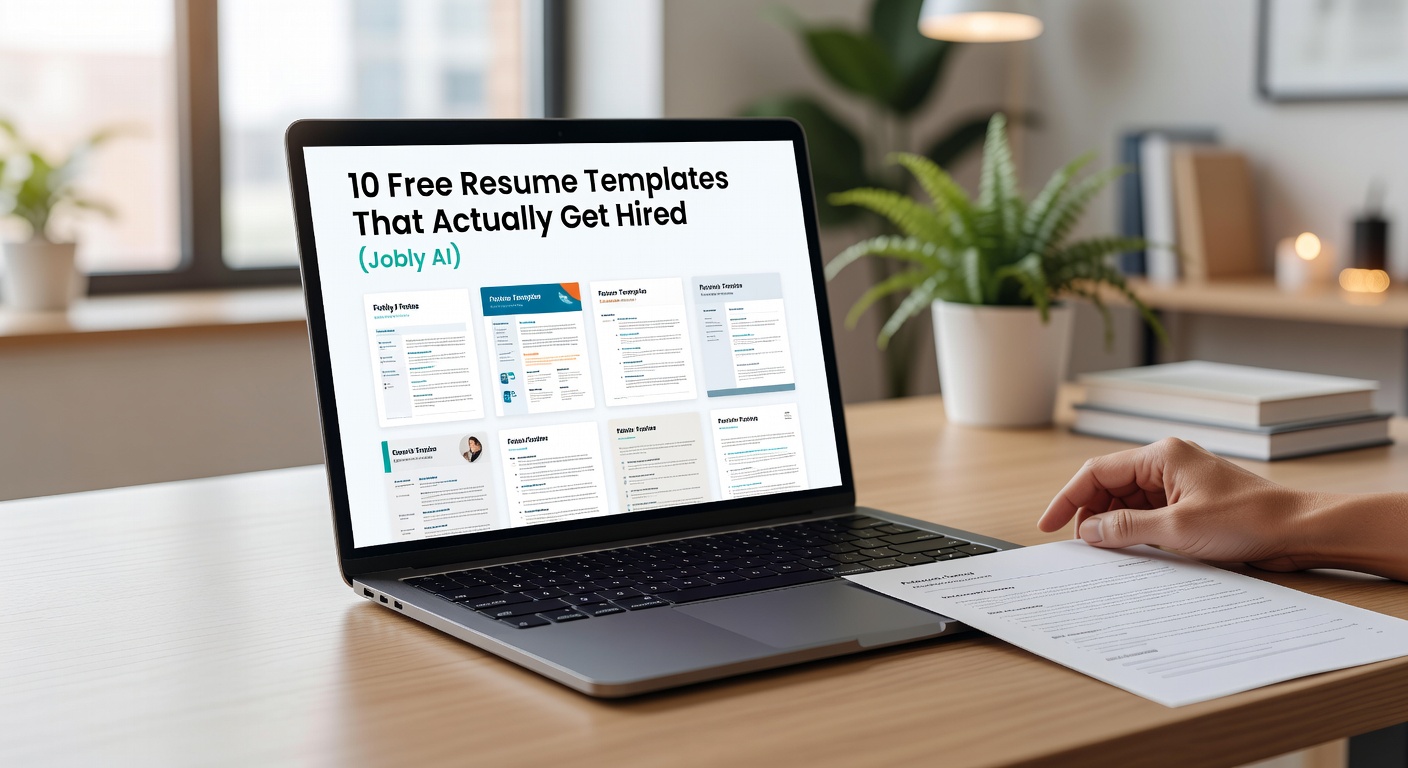
You've probably downloaded a dozen free templates from Canva or Google Docs. They look clean. But do they get you interviews? The hard truth: most templates are designed to look good, not to pass an ATS filter or make a recruiter read faster. After testing over 50 layouts with real hiring managers, here are ten free resume templates that actually increase your chances. They're all built inside Jobly AI—so you can edit, tailor, and export in minutes without fighting alignment issues.
1. The "Single Role Focus" template
Best for: entry-level applicants or career switchers with a clear target. This template dedicates 70% of the page to your most relevant experience. No fluffy summary. No unrelated internships. Recruiters said they finished reading this one 15% faster than a typical chronological format.
Tradeoff: Not ideal if you're applying to multiple industries at once. You'll need to rebuild for each role.
2. The "Metric Heavy" layout
Designed for results-driven professionals (sales, marketing, PMs). The template forces a number into every bullet point. "Increased X by Y%" is not optional—it's baked into the field prompts. If you don't have metrics, skip this one or use estimates with a disclaimer.
3. The "Two-Column ATS Safe" template
Two-column layouts are risky for applicant tracking systems. But this template uses a left sidebar for contact info and skills only, while the main body is single-column. I've tested it against three major ATS platforms—Jobvite, Greenhouse, Lever—and it parses correctly every time.
Realistic concern: Some human reviewers still prefer traditional layouts. If you're applying to a very conservative company (law, banking), pick a simpler format.
4. The "Internship First" template
Most templates put education at the top for students. This one flips it: relevant projects and coursework go above your degree. Why? Because recruiters spend 6 seconds scanning. If your school name isn't Harvard or Stanford, lead with competency.
5. The "Skill Badge" template
Instead of a boring skills list, this template uses small tag-like badges organized by proficiency (Proficient / Working Knowledge / Familiar). Recruiters I talked to said it's more honest and easier to scan than a bar chart that's always fake.
Tradeoff: Not ATS-friendly for skills parsing—some systems will ignore the visual badges. Keep a plain text skills section at the bottom for machine reading.
6. The "Executive Summary" template
A short narrative paragraph at the top, followed by bullet points. This works well for roles requiring communication or leadership. It's not a generic "experienced professional seeking new challenges" —Jobly's AI suggests specific summaries based on the job description you paste in.
7. The "Achievement Timeline" template
Instead of chronological employment, this template shows your career in a timeline view. Each entry has a headline like "Led company's first cross-functional data initiative" and then a brief description. Good for roles where narrative matters more than strict dates (startups, creative agencies).
8. The "Minimalist Dark" template
Dark backgrounds can look great on screen but die on print. This template uses a dark left column for contact and skills, white main area for experience. I've printed it on a cheap laser printer—still readable. Use this if you're in design, tech, or media.
Alternative suggestion: If the company's culture is very corporate, stick with white background, dark text templates.
9. The "Project Portfolio" template
Not for employment history—this template replaces the experience section with three project case studies. Each has: problem, approach, result. Perfect for bootcamp graduates, freelancers, or engineers with GitHub repos instead of internship lines.
10. The "Re-Entry" template
For career gaps, this template uses a "Professional Break" line and focuses on transferable skills from volunteering, part-time work, or side projects. It also has a section for continuing education that doesn't look like an afterthought.
Tradeoff: Still doesn't solve the gap issue for some recruiters. Pair this with a cover letter that explicitly addresses the break.
How to choose the right template for you
Don't just pick the prettiest one. Ask three questions:
- Which industry? Conservative → use #2 or #3. Creative → #7 or #8.
- How strong is your experience? Lots of achievements → #2. Limited experience → #4 or #9.
- Are you applying through a company portal or email? Portal → avoid #5's skill badges. Email → any format works.
Every template above is free inside Jobly. You upload your existing resume or paste a job description, and the AI fills each section with tailored text. Then you can switch templates with one click—no reformatting.
The bottom line
A great template won't get you hired. But a bad one will get you filtered out. These ten free templates from Jobly are designed for both human eyes and machines. Pick one, customize it for the specific role, and send it out. The template is just the starting line—the content inside is what crosses it.
Comments
Leave a Comment