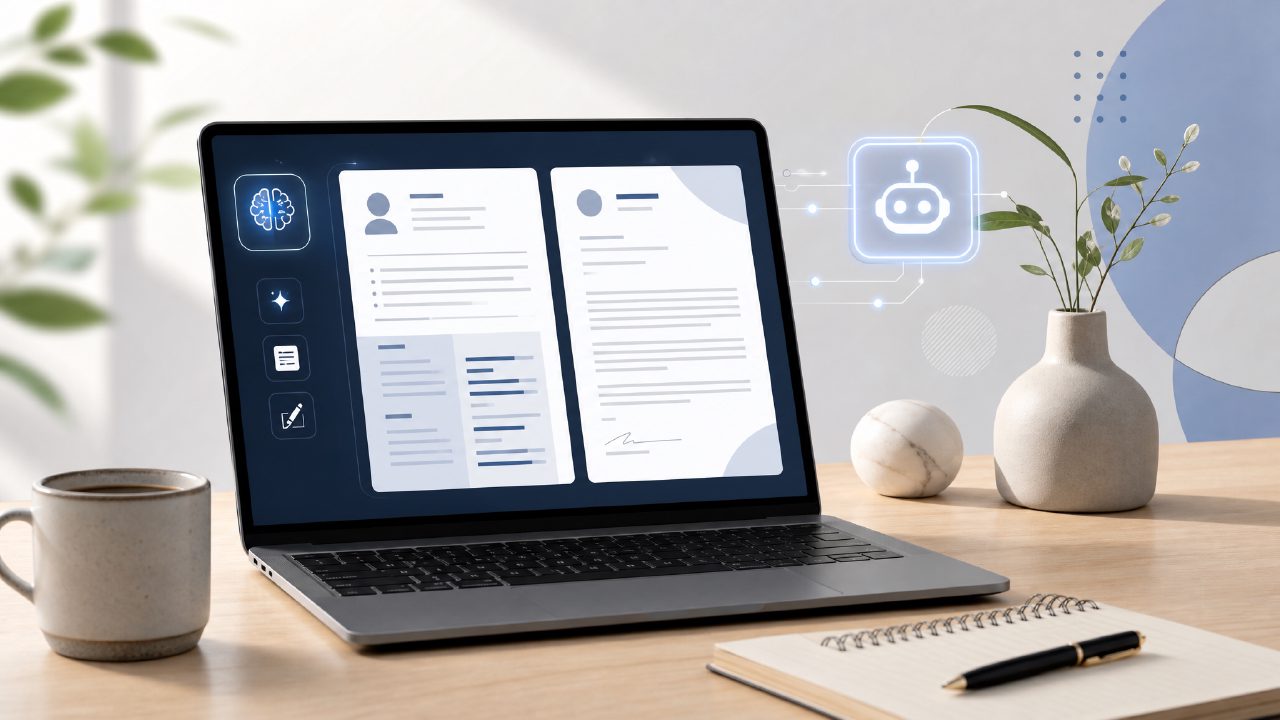
I’ve tested a handful of free resume builders over the past few months — both for my own side projects and to help a friend land an internship. Most of them either push you toward a paid plan the moment you try to export, or they generate cover letters that read like bad Mad Libs. So when I heard about a tool that promises to be a genuine ai resume builder with cover letter free, I was skeptical but curious. This is that tool, and I compared it head-to-head against two other popular free options: Canva’s resume templates (DIY approach) and Novoresume’s free tier.
What I actually tested
I created a sample profile for a marketing internship — entry-level, some freelance work, no fancy certs. I used jobly to generate both a resume and a cover letter. Then I did the same on Novoresume’s free plan and manually in Canva (just the resume, because their cover letter templates are a separate drag).
Here’s what stood out.
Cover letter generation that actually saves time
Jobly wrote a decent cover letter in about 90 seconds. It wasn’t perfect — it assumed I had leadership experience I didn’t mention — but I could edit the draft inline. On Novoresume, the cover letter feature is locked behind the Pro plan. Canva has no AI generation at all. If you need a real starting point, not just a blank page, Jobly is the only free option that handles both documents without forcing a payment.
Resume formatting: good, but not unlimited
The resume output looks clean. Better than most of the Gemini-generated templates I’ve seen. But the free version offers only one layout. For a standard corporate role, it works. If you’re applying for a design job where visual uniqueness matters, you’ll want a different tool. That’s a tradeoff I can live with for a free product — but it’s worth noting.
How the free version compares to peers
Novoresume’s free plan lets you export as PDF, but it limits you to one design and shows a watermark. Canva is fully free for templates, but you spend 40 minutes aligning bullets. Jobly sits in a middle ground: no watermark, AI writing assistance, and the cover letter is included. What it lacks is a huge template library.
If the best free ai resume builder 2026 is defined by speed and bilingual output (resume + cover letter), Jobly wins for first-year students and career changers who need a fast starting point. But if you’re someone who wants to tweak every visual detail, the free tier might feel limiting.
One thing I’m still unsure about
I couldn’t figure out how to delete a section I accidentally added. The interface is straightforward most of the time, but the edit flow has a small friction point. Not a dealbreaker, but I’d like a clearer undo or section removal. It made me wonder if power users would get frustrated after repeated edits.
Bottom line for 2026 job seekers
The ai resume builder with cover letter free label holds up here — as long as you accept that the free package is intentionally light on design choices. For someone applying to 8–10 roles in a week, Jobly’s speed and the fact that it doesn’t lock the cover letter behind a paywall make it a solid go-to. It’s probably the best free ai resume builder I tested for the specific use case of “I need a decent resume and cover letter in under 15 minutes, no strings attached.” For obsessive designers or ATS experts, you’d still want to export and polish elsewhere.
If you’re a student or mid-career professional trying to get applications out the door, give it a try — but keep expectations realistic. It’s a smart assistant, not a magic wand.
Comments
Leave a Comment