Nobody enjoys formatting bullet points or agonizing over whether "managed" sounds more impactful than "oversaw." The worst part of job hunting isn't usually the interviews; it's the hours lost staring at a blank document, trying to turn a messy career history into something readable. Writing a cover letter is even worse—you end up staring at the screen trying to invent a hook that doesn't sound completely desperate. That's exactly the friction Jobly Resume aims to eliminate. Instead of wrestling with margins in Word or copy-pasting from old drafts, you feed your background into the AI and let it assemble the first pass.
Getting Past the Blank Page
Take the classic internship scramble. You’ve spent two summers working retail, but you’re applying for a data analytics role. You know you handled inventory and used spreadsheets, but translating that into resume-speak is awkward. Jobly takes that raw input—"counted stock, used Excel for orders"—and reframes it into something closer to "managed inventory logistics utilizing Excel for order tracking." It's a starting point, not a final draft. You still need to verify the AI didn't inflate your responsibilities into something you can't back up in an interview, but it gets you 70% of the way there without the usual writer's block.
Then there's the mid-career pivot. Say you're moving from teaching to corporate training. The skills overlap heavily, but the vocabulary doesn't. Jobly maps your classroom management experience into corporate terminology—"facilitated curriculum delivery" becomes "delivered corporate training modules." It’s useful for crossing industry jargon barriers, though you’ll occasionally spot a phrase that sounds too stiff and needs loosening up so it doesn't read like a press release.
The cover letter generator handles the awkward intro paragraph decently. It pulls the job title and company name from your input and weaves in a few highlights from your resume. You still have to edit the middle section to actually explain why you want that specific job, but having the skeleton already built saves a lot of late-night agonizing.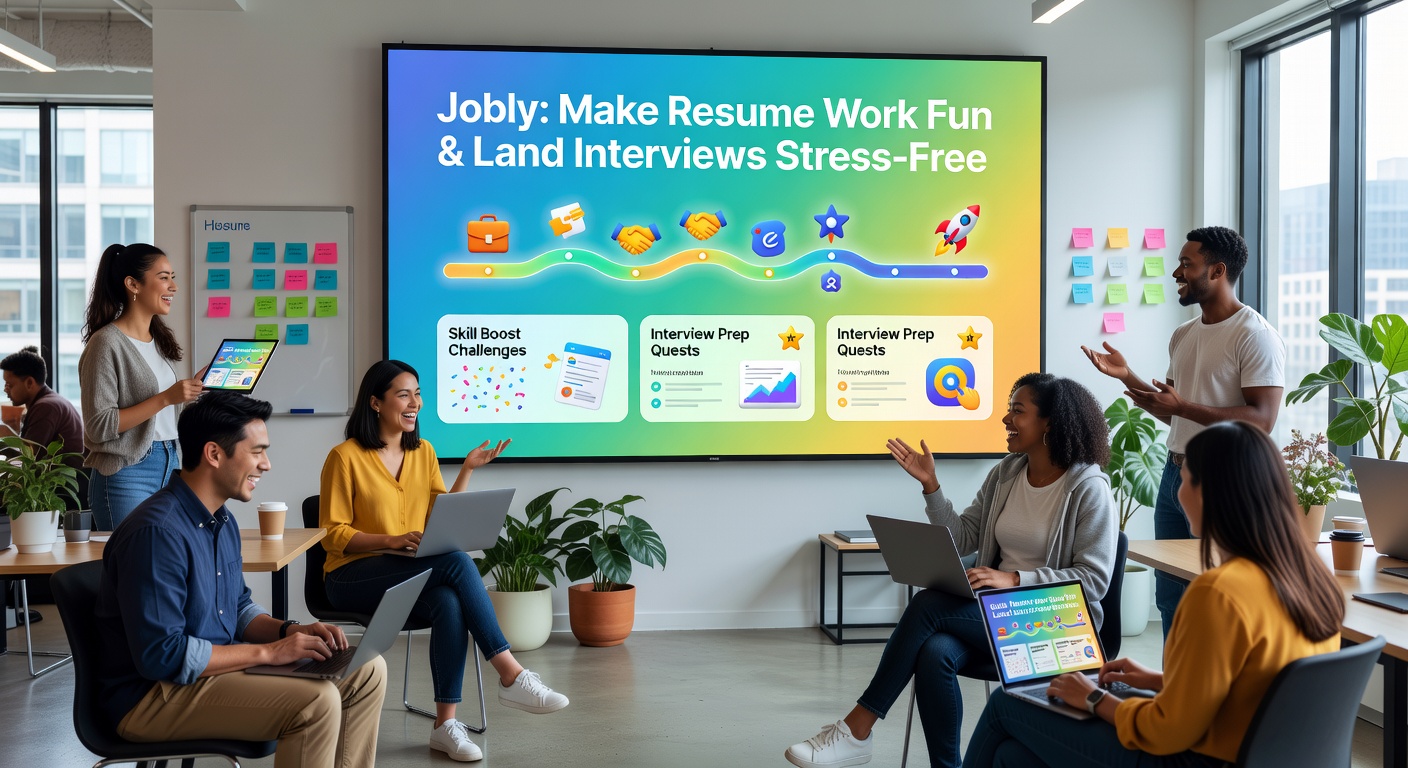
Where Jobly Makes Sense—and Where It Doesn't
Every AI resume tool trades absolute control for speed, and Jobly is no different. If you have a highly specialized background—like academic research with specific published methodologies—the AI might flatten your nuances into generic corporate speak. In those cases, you're better off writing the core content yourself and maybe using Jobly just for the formatting or the cover letter draft. The AI tends to optimize for standard business roles; it struggles a bit with highly creative portfolios or niche technical roles where specific terminology matters more than action verbs.
Compared to building from scratch in Google Docs, Jobly saves significant time on layout and phrasing. Against other AI builders, Jobly keeps the interface relatively uncluttered. You don't get bombarded with 50 template options before you even start writing. The tradeoff is template variety; you get enough for standard industries, but if you want a highly creative, visually dense design for a design portfolio, the options might feel a bit safe. The templates are clean and ATS-friendly, which is practical, but they won't win a graphic design award.
The cover letter feature is hit-or-miss depending on your tolerance for AI tone. It pulls details from your resume well, but it can lean into overly enthusiastic openers. You’ll almost always need to dial back the adjectives so it doesn't sound like a robot pretending to be passionate.
The Verdict on Drafting Speed
Jobly Resume won't magically land you an interview, and no AI tool should claim to. What it does well is handle the tedious formatting and initial phrasing so you can actually focus on tweaking the content instead of generating it. If your main hurdle is getting a draft down on paper without spending an entire weekend on margins and bullet points, Jobly makes the resume work manageable enough to actually finish. Just remember to read the output out loud before you send it—AI writes cleanly, but it doesn't sound like you yet.
Comments
Leave a Comment