If you've ever stared at a blank Word document trying to remember what you did three jobs ago, you know the real pain of resume writing isn't formatting—it's figuring out what to say. Jobly tries to cut through that by doing something surprisingly simple: it asks you questions first, then builds the resume around your answers.
I tested it with three different scenarios: a recent grad with no full-time experience, a mid-career marketing manager looking to pivot, and a software engineer hunting for a senior role. The tool handled each one differently, which is exactly what you want. It didn't force everyone into the same template.
The workflow doesn't feel like homework
Most resume builders dump you into a form with a hundred fields. Jobly starts with a short chat-style questionnaire. It asks about your role, years of experience, and what kind of job you're targeting. Then it suggests bullet points based on what you type. The AI writing is decent—not outstanding, but good enough to save you from writer's block. You'll still want to tweak the phrasing to match your voice, especially if you're in a field that values specific jargon (like tech or finance).
Cover letters follow the same pattern. You pick a job title or paste a job description, and it generates a draft. The result isn't groundbreaking, but it gets you a first draft in under two minutes. That's the real value: speed to a usable starting point, not perfection.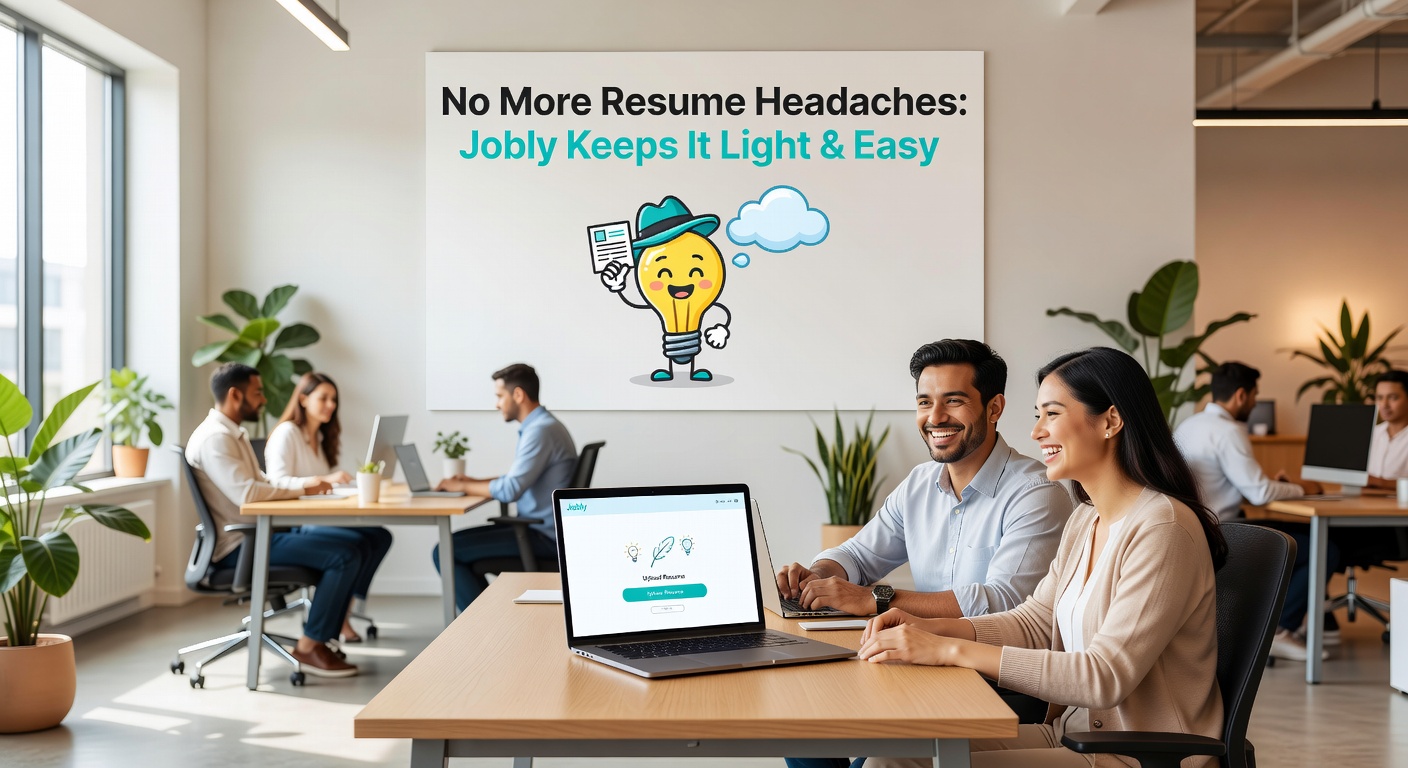
Where it shines and where it stumbles
I found Jobly strongest for early-career users and people making big career shifts. If you have gaps in your work history or the experience doesn't neatly fit a job description, the AI does a reasonable job of spinning things into relevant language. For example, the marketing manager who had done a lot of social media but wanted to move into product marketing got bullet points that emphasized strategic thinking and cross-functional work, not just post scheduling.
The weakness is customization. The templates look clean and professional, but there's limited ability to tweak layout details like margins, spacing, or font sizes. If you're applying to a design-forward company and want a resume that stands out visually, you'll probably end up exporting and editing in Google Docs or Canva. That's a tradeoff: convenience for control.
Also, the AI can sometimes over-explain. For the software engineer, it wrote bullet points like "Collaborated with a team of 5 engineers to deploy a microservices architecture," which is fine, but I'd trim it to "Deployed microservices architecture with a 5-person team." Minor edits, but they add up if you're not careful.
Who should consider alternatives
If you're in a highly standardized field like law or medicine, where resume formats are rigid and content is almost dictated, you might find Jobly's suggestions too generic. Similarly, if you're a senior executive with 15+ years of leadership experience, the tool tends to flatten your achievements into a safe, generic style. You're better off working with a professional writer or using a simpler builder that just handles formatting while you write the content yourself.
For the vast middle—people who just need a decent resume and cover letter without the headache—Jobly works. It won't land you the job by itself, but it removes the friction of getting started. That friction is often the biggest barrier.
If you already have a resume and just need touch-ups, this might be overkill. But if you're starting from scratch or switching careers, it's worth the 15 minutes it takes to go through the process. Just remember: the AI gives you a draft, not a final document. Treat it as a collaborator, not a replacement for your own judgment.
Comments
Leave a Comment