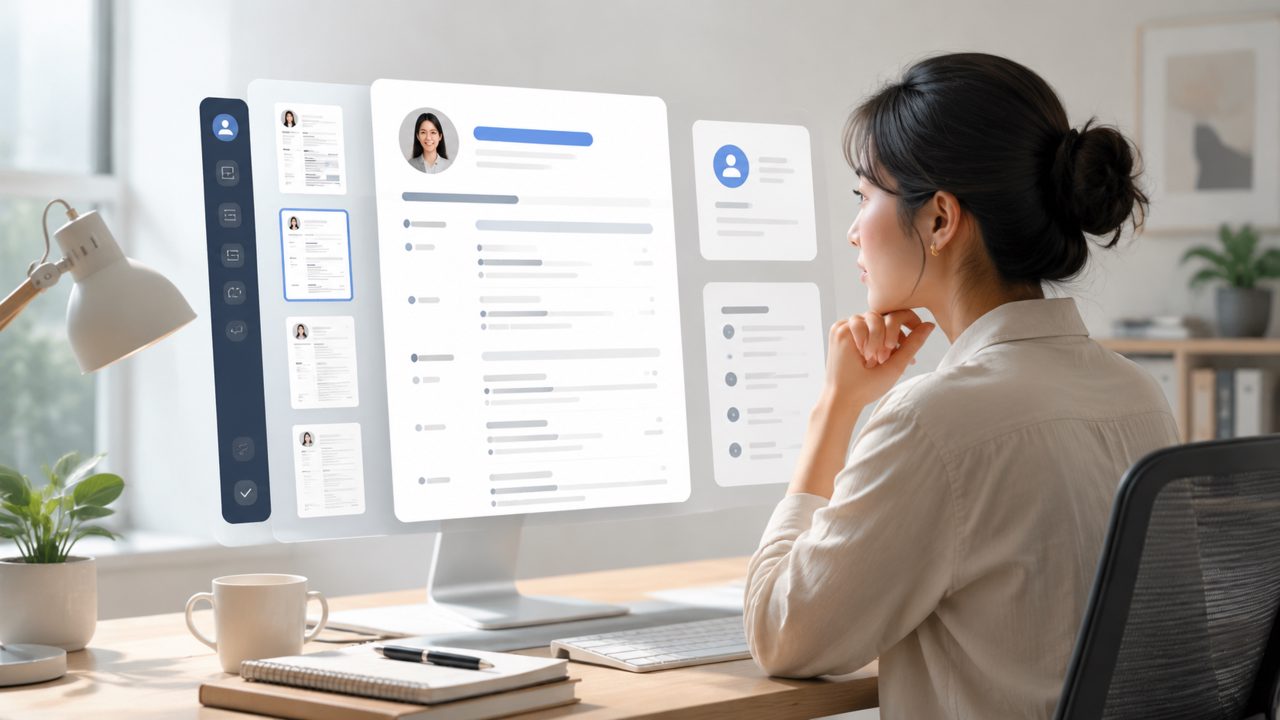
I needed a resume template last week. Not because I wanted to browse pretty layouts, but because I had three applications due and my old resume was a mess. I remembered someone mentioning jobly, the AI resume builder, and decided to try it for one specific role – a mid-level project coordinator position. Here’s how it went, step by step, and what I think about the templates and the tool overall.
Starting with a real problem: no time, no structure
I opened jobly and chose the "Resume Builder" option. The first screen asked me to paste a job description. That was smart – it meant the template would be targeted, not generic. I dropped in the JD for the coordinator role and watched the AI generate a first draft. It took maybe 30 seconds. The template it used was clean, single-column, with clear section headers. Nothing flashy, but professional enough for corporate hiring.
Observation 1: The AI didn't just fill in my experience. It rewrote my bullet points to match the job’s keywords. For example, my original "managed schedules" became "coordinated cross-team schedules using Asana." That was actually helpful – saved me from rewriting everything manually.
Testing the template flexibility
After the auto-fill, I could switch between a few 简历模板 styles. There are about six options – modern, minimal, traditional, creative, technical, and executive. I tried the technical template because the job required project management software. The layout shifted slightly: skills were placed higher, and the summary was shorter. But the core content stayed the same. That was nice – I didn’t have to re-enter everything.
Observation 2: The creative template (with some color and icons) looked fine on screen, but when I exported it as PDF, the formatting got a little loose. One bullet point ended up orphaned at the bottom of a page. Small thing, but if you’re submitting electronically, it matters. I had to adjust margins manually.
Tradeoff: The free version of jobly gives you only the minimal and modern templates. The other four are behind a paywall. That limits testing if you’re not ready to pay. I ended up upgrading for $12 for a month, which got me the full set and AI cover letter generation. Not terrible, but not free either.
The AI cover letter that came with it
Since I was already in jobly, I tried the cover letter feature. It used the same job description and generated a letter that matched the resume template. The tone was formal but not stiff. I edited two sentences – the AI had used a phrase like "I am passionate about" which felt overused. But the structure was solid: opening, body with specific project examples, closing.
Observation 3: The letter template wasn't as customizable as the resume. You can change the font and color scheme, but the paragraph layout is fixed. That’s fine for most jobs, but if you need a highly creative cover letter, you’ll want to start from scratch.
One cautious note about AI content
I noticed that the AI sometimes inflated my responsibilities. For a past internship where I did basic data entry, it wrote "analyzed datasets to inform strategic decisions." Technically true, but misleading. I had to tone it down. So if you use jobly, don’t accept the AI output blindly. Read each bullet and ask: "Did I actually do this?" The templates are good, but generic AI language can hurt you if a hiring manager notices.
A moment of friction
Exporting to Word (.docx) didn’t preserve the template perfectly. The font shifted from Calibri to something else, and a line of text overlapped with a section divider. PDF was stable. So if you need a Word version for an applicant tracking system (ATS), be prepared to clean up the formatting.
Practical conclusion: does it help?
For someone who needs a solid 简历模板 fast and doesn’t want to design from zero, jobly works. The AI saves time, and the templates are good enough for most corporate and tech roles. Just don’t expect every template to be perfect out of the box – edit the AI text, check the PDF export, and decide if the paid upgrade is worth it for your job hunt. I used it to apply for that coordinator role and got an interview invite. Maybe the template helped, maybe it was the rewritten bullets. Either way, it did the job for under fifteen bucks.
Comments
Leave a Comment