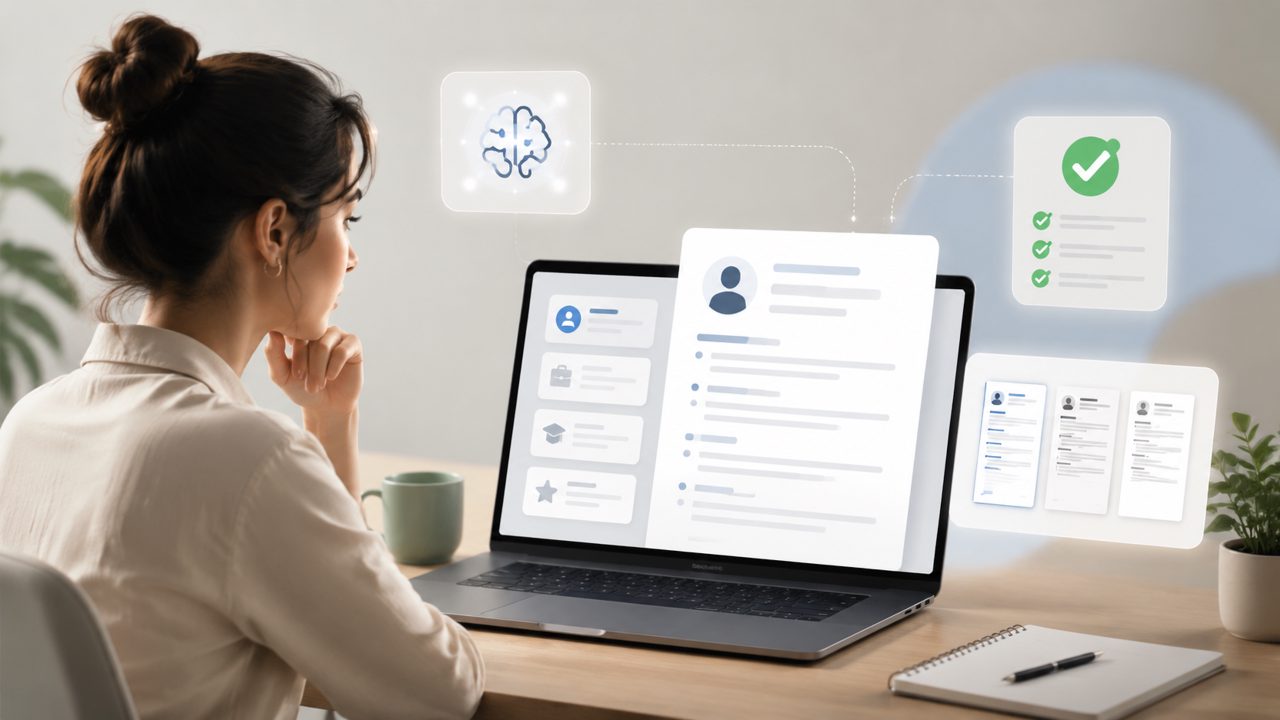
I’ve been testing several free resume builders lately, mostly because I was curious whether “free” actually meant usable in 2026. Jobly kept coming up in search results, so I gave it a closer look. Below is a short checklist of what I found — the good, the okay, and the slightly rough edges.
- The free tier actually works for a complete resume.
Unlike a lot of tools that lock export behind a paywall or limit you to one section, Jobly lets you build a full resume from scratch without paying upfront. I created a two-page resume for a mid-career pivot and could download it as a PDF. No surprise upsells mid-edit. - AI suggestions are helpful but not perfect.
The AI generated bullet points based on my job title and industry. For a customer service role, the suggestions were decent — “Resolved escalated complaints with a 95% satisfaction rate” — but for a niche technical role, the phrasing felt generic. You’ll want to rewrite about a third of the AI output to sound like you. - ATS optimization is built in, not bolted on.
Jobly has a live ATS score that updates as you edit. It flagged missing keywords like “project management” and suggested section headings that parsers prefer. That’s rare for a free tool. Most free makers just dump a PDF and call it done. - The interface is clean but a little slow on mobile.
On desktop, the editor is smooth. On a phone browser, though, dragging sections around felt laggy. If you’re someone who edits on the go, it’s usable but not fun. - Cover letter integration is there, but half-baked.
Jobly also offers an AI cover letter generator. I tried it for an internship application — the draft was too long and read like a template. It saved me maybe 10 minutes of staring at a blank page, but I still had to cut 40% of the content and add specific details. Useful, but not a one-click solution.
A realistic tradeoff: The free version doesn’t let you customize fonts or colors. If you need a visually flashy resume for a creative role, this isn’t it. For most corporate or service jobs, the clean default layout is fine — but don’t expect design flexibility.
One moment of friction: I accidentally deleted a section and couldn’t find an undo button. Had to re-enter four bullet points. A small thing, but it reminded me that the free tool isn’t as polished as paid editors.
Overall, if you’re looking for an ai resume builder free that genuinely does ATS checking and gives you a usable PDF without sneaky fees, Jobly is a solid pick. It’s not the most powerful or the prettiest, but it does the job without wasting your time. For a free ai resume maker 2026, it beats most of the competition I tried. Just keep your expectations realistic about the AI’s editing needs and the lack of design options.
Comments
Leave a Comment